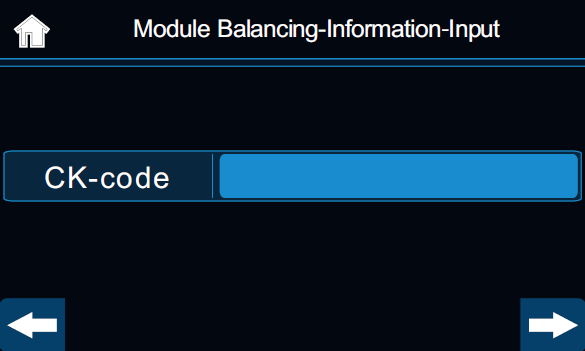
Module Configuration
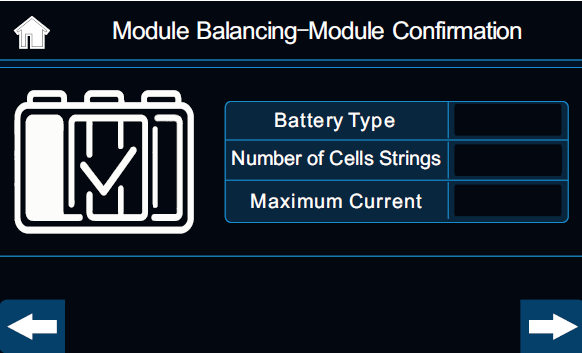
At the main menu, select “Module Balancing”, and please correctly select the CK-code. Then, based on the actual situation, reconfirm the battery type, the number of cell strings, and the maximum allowable current. After verification is complete, click next ” → “.
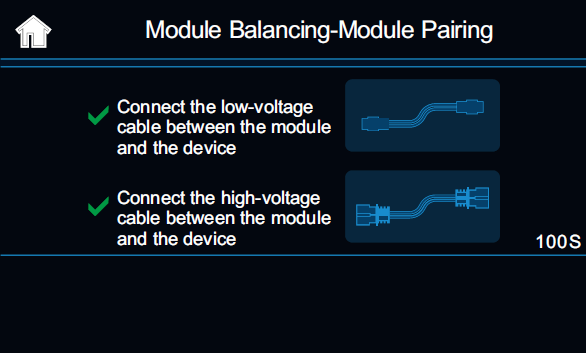
Module Cable Connection
After the module is configured, the device will enter the cable connection prompt. Please first connect the low-voltage communication cable. Once it is correctly connected, the screen will automatically switch to the step of connecting the high-voltage cable.
While waiting for the cable connection, the screen will countdown to wait. If these two cables are not correctly connected within the specified time, the screen will prompt “Connection Timeout”. Please click the “Help” button for abnormal troubleshooting.
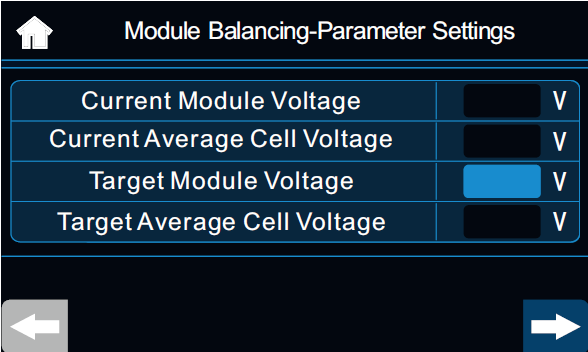
Module Parameter Settings
It will show the total voltage of the current module and the average voltage. Please input the target voltage. It’s usually provided by automobile diagnosis equipment.
Prepare For Balancing
It will show the current voltage and target voltage details. The user must carefully confirm the input information to ensure its correctness. Then release the emergency stop button and press the “Start/Stop” button to start the balance operation.
Balancing
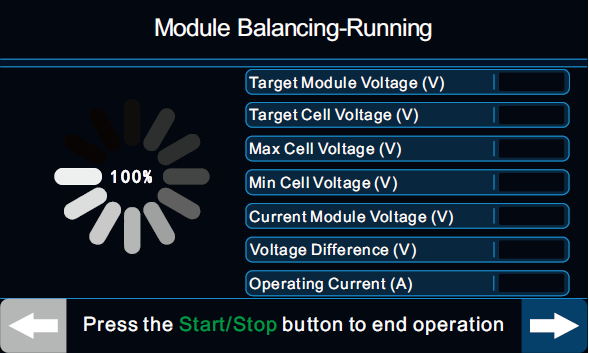
The screen will display real-time information such as module voltage, cell voltage, temperature, start time, cumulative working time, charging and discharging current, and capacity. If abnormal voltage or temperature occurs during operation, the equipment will automatically stop.
During operation, the user must be on duty. In case of any emergency, immediately press the emergency stop button to prevent danger. Click ” → ” to move to the next screen for more information.
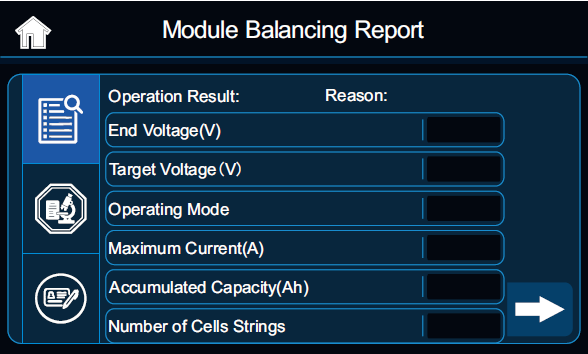
Balancing Report
When the balance is completed or aborted, the screen will display report. It includes the balance results, the comparison of values before and after the balance, as well as the basic information of the vehicle and the module. Click ” → ” to move to the next screen for more report information.